
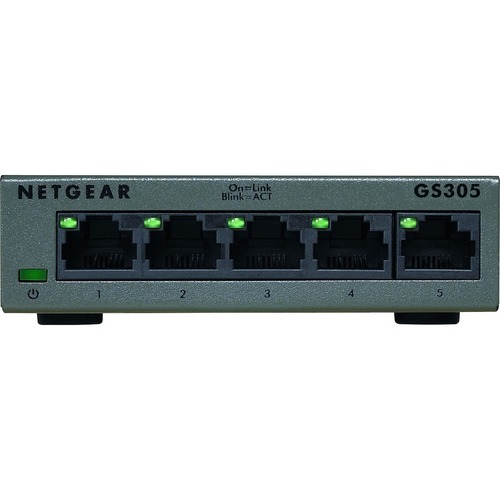
NETGEAR GS305-300PAS network switch Unmanaged L2 Gigabit Ethernet (10/100/1000) Black
NETGEAR 300 Series Gigabit Ethernet Unmanaged Switches provide easy, reliable, and affordable network connectivity for home and small offices. With these unmanaged plug-and-play switches, you can expand your network connections to multiple devices instantly. The GS305P and GS308P with Power-over-Ethernet (PoE) provides power and data from a single Ethernet (CAT-5) cable to devices such as IP cameras, VoIP/Internet-based phones, wireless access points, etc. With these unmanaged plug-andplay switches, you can expand your network connections to multiple devices instantly. Just step up to GS316, GS324 or GS348 directly to avoid congestion due to stacking up lower port count switches and be ready for future expansion.
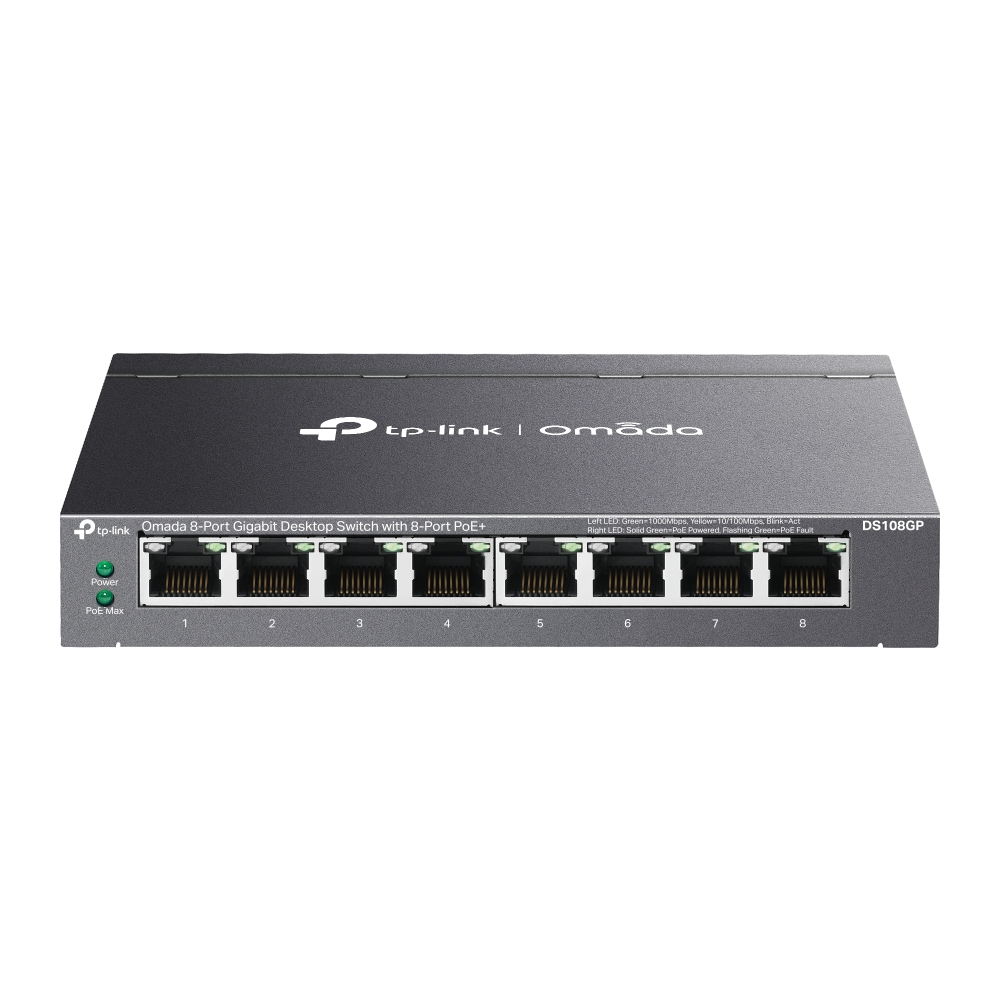
TP-Link Omada DS108GP network switch Unmanaged Gigabit Ethernet (10/100/1000) Power over Ethernet (PoE) Black
Omada 8-Port Gigabit Desktop Switch with 8-Port PoE+

NEAT ALL-IN-ONE VIDEO DEVICE FOR ZOOM/TEAMS/BYOD. SUPPORTS SMALL TO MEDIUM ROOMS
NEATFRAME LIMITED NEATFRAME ALL-IN-ONE VIDEO DEVICE FOR ZOOM/TEAMS/BYOD. SUPPORTS SMALL TO MEDIUM

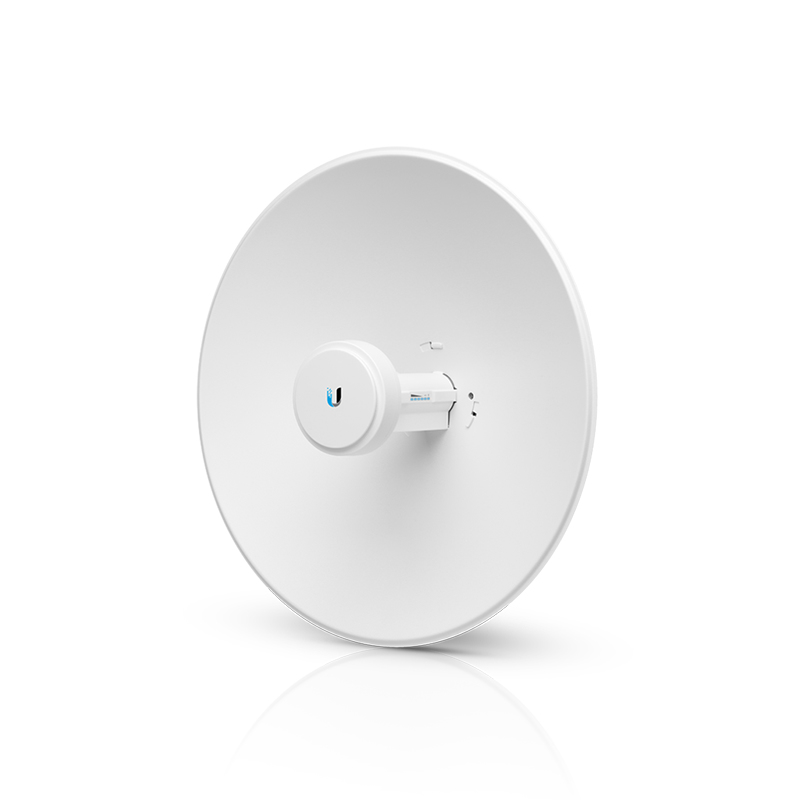
TP-Link RE550 network extender Network transmitter & receiver White 10, 100, 1000 Mbit/s
Boost Whole Home Wi-Fi with Your Existing RouterA single router has limited Wi-Fi coverage and always causes Wi-Fi dead zones. RE550 wirelessly connects to your existing router and expands its Wi-Fi signal into areas it can’t reach on its own. Enjoy your stable network experience wherever you are at home.Wi-Fi keeps Strongest for Unlimited MovingWith TP-Link Mesh Technology, it’s easy to form a Mesh network with a single Wi-Fi name for seamless whole home coverage. Just connect RE550 to a OneMeshTM router. Always enjoy the strongest Wi-Fi when you’re walking around with no need to search around for a stable connection.Smart RoamingUninterrupted streaming when moving around your home. One Wi-Fi NameNo more switching Wi-Fi network names. Easy CreationOneMesh™ Router + OneMesh™ Range Extender. Unified ManagementManage the whole unified network all in one Tether app.Enjoy a Mesh Network with Your Existing RouterWant a Mesh network? Hesitate on whether to replace your existing router and buy a Mesh set?TP-Link OneMesh™ resolves your dilemma.1 Update your existing TP-Link router’s firmware to OneMesh version—no need to replace it. 2 Connect the RE550 to the router. 3 Enjoy the Mesh networkFaster Dual Band Wi-Fi up to 1900 MbpsRE550 delivers dual band (2.4 GHz and 5 GHz) to transmit Wi-Fi signals, doubling the performance of each band. It enables you to keep more devices connected at the same time with its 600 Mbps 2.4 GHz and 1300 Mbps 5 GHz dual bands. Use the 2.4 GHz band to send email and browse the web and the 5 GHz band for gaming and HD streaming.Adaptive Path Selection: Keeps Itself Working at Top SpeedAdaptive Path Selection keeps your network running at optimal speeds by automatically choosing the fastest connection path to the router. Always keep your devices fast and stable—ideal for network environments crowded with many devices and applications.High Speed Mode: Maximized Speed with Dedicated BackhaulUses one dedicated Wi-Fi band as backhaul and another dedicated Wi-Fi band as an access point to maximize the bandwidth on the extended Wi-Fi.Built-In Access Point ModeRE550 is more than a wireless range extender. Simply plug an Ethernet cable into its Ethernet port and easily turn your wired internet connection into a 3×3 MIMO dual band wireless access point.Secure One-Touch Connection for Easy SetupStep 1: Simply press the WPS button on your router and, within 2 minutes, the WPS button on RE550 will connect to the network.Control at Your FingertipsSet up and manage your Wi-Fi through the TP-Link Tether app from your smartphone (Android, iOS), including TP-Link routers and range extenders.Step 2: Once connected, place RE550 at the best location—without reconfiguration.Maximum wireless signal rates are the physical rates derived from IEEE Standard 802.11 specifications. Actual wireless data throughput and wireless coverage are not guaranteed and will vary as a result of 1) environmental factors, including building materials, physical objects, and obstacles, 2) network conditions, including local interference, volume and density of traffic, product location, network complexity, and network overhead, and 3) client limitations, including rated performance, location, connection quality, and client condition.The product may not be compatible with routers or gateways with firmware that has been altered, is based on open source programs, or is non-standard or outdated.
RUCKUS Networks RUCKUS R750 NC DUAL BAND 11AX INDOOR AP 4X4:4
RUCKUS Networks RUCKUS R750 NC DUAL BAND 11AX INDOOR AP 4X4:4
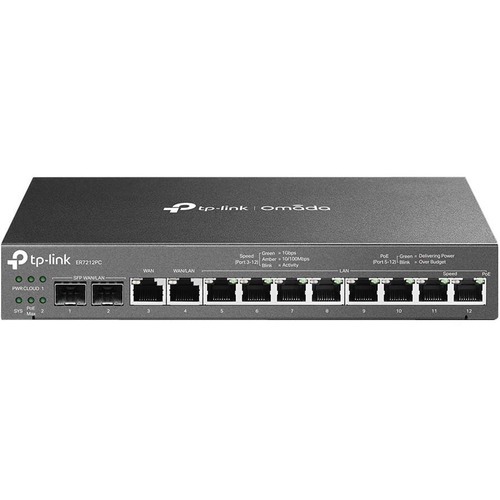
TP-Link Omada ER7212PC wired router Gigabit Ethernet Black
A Future-Proof, Versatile, and Compact Router with PoE+ Ports and Controller CapabilityOmada 3-in-1 Gigabit VPN Router3-in-1 Router, More Than A RouterThe 3-in-1 ER7212PC presents a one-stop solution for home and small business networking.With a single compact box, users can replace their router, hardware controller, and PoE+ switch setup. There is no need to manually configure various network devices one by one, you can perform unified deployment through ER7212PC. All you need is one device.Up to Four WAN Gigabit Ports to Optimize Bandwidth UsageEquipped with multiple ports, ER7212PC satisfies various internet access requirements through one device. The multi-WAN Load Balancing function distributes data streams according to the bandwidth proportion of every WAN port to raise the utilization rate of multi-line broadband.Easy Installation, Quiet Heat DissipationA clean, well-organized, and quiet network environment is at your fingertips.- The compact and minimalist design makes it suitable for your configuration in various spaces, whether it's the corner of office desks or the ceiling of a store.- Fanless design offers noiseless heat dissipation to your shops or offices.Easy Centralized ManagementWith built-in centralized management capability, the ER7212PC enables you to manage and update devices in bulk, with no need for individual and complex setups. Additionally, check the Omada app or web browser, ER7212PC allows you to remotely control connected devices, monitor the network, and view the network maintenance in real-time.High-Security and High-Performance VPNER7212PC supports pass-through traffic and multiple VPN protocols, including OpenVPN, IPSec, PPTP, and L2TP in Client/Server mode. One-click auto IPSec VPN simplifies VPN configuration and facilitates network management and deployment.Robust Security Features- Powerful FirewallAdvanced firewall policiesprotect your network and data.- Convenient VLAN SupportCreate virtual network segments forenhanced security and simplifiednetwork management.- DoS DefenseAutomatically detects and blocksDenial of Service (DoS) attacks suchas TCP/UDP/ICMP Flooding, Ping ofDeath, and other related threats.- IP/MAC/URL/Keyword FilteringForcefully prevent viruses and attacks from intruders.- IP-MAC BindingReserves static IP assignment forclients to defend against ARPattacks and spoofing.- One-Click ALG ActivationOne-Click ALG Activation forapplications such as FTP, H323, SIP,IPSec, and PPTP.
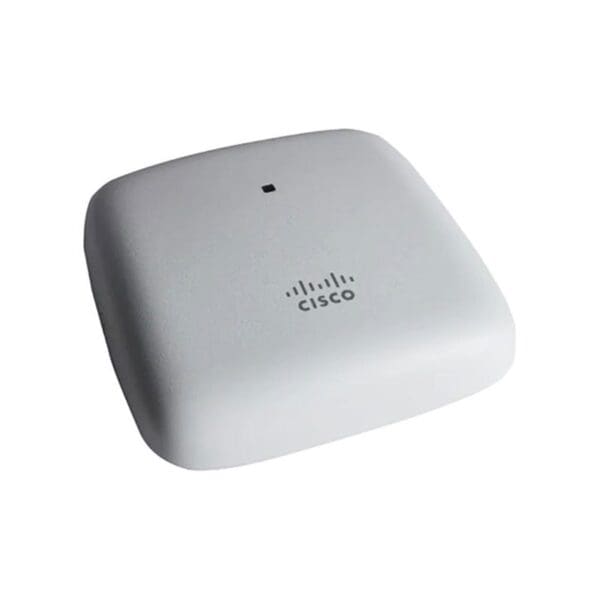
Cisco 802.11ac 2x2 Wave 2 Ceiling Mt
CBW140AC 802.11ac 2x2 Wave 2 Access Point Ceiling Mount
Item(s) added to cart
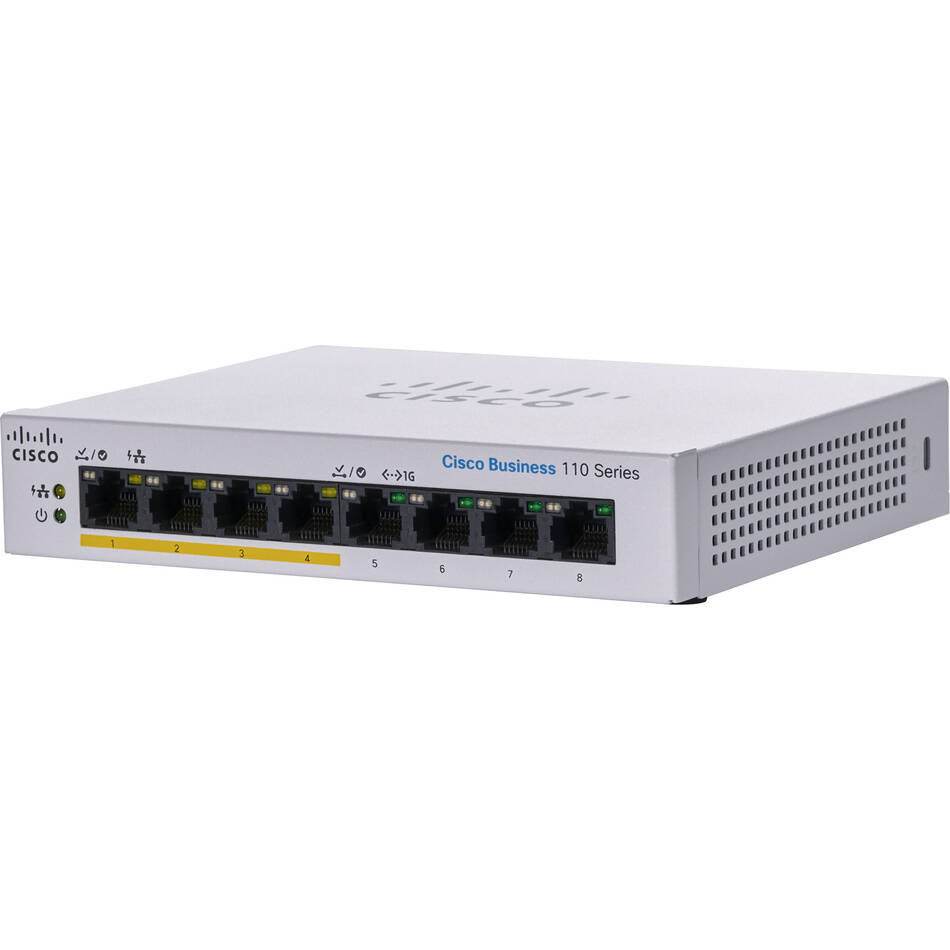
Netgear GS105E-200NAS ProSafe Plus Switch, 5-Port Gigabit Ethernet - 5 Ports - 2 Layer Supported - Wall Mountable - Lifetime Limited Warranty-None Listed Compliance
MFR: Netgear, Inc
Qty: 1
Part #: GS105NA