

StarTech.com P4DD46A2-KVM-SWITCH KVM switch Black
Share a mouse, keyboard, USB 5Gbps hub, and dual 4K 60Hz DisplayPort displays between four DisplayPort-enabled computersThis Dual-Monitor KVM Switch enables users to switch between four desktops that are USB-A and DisplayPort enabled. It allows for sharing of dual-4K 60Hz DisplayPort monitors, a keyboard and mouse, and two USB 5Gbps devices.Fast Switching with USB EmulationUSB Emulation technology enables faster switching of a keyboard, video, and mouse compared to traditional KVMs. USB Emulation also ensures compatibility with combination keyboards/mice as well as keyboards featuring additional function keys.Dual-4K 60Hz Displays & USB 5Gbps Hub PortsThis TAA-Compliant KVM Switch supports dual-4K 60Hz DisplayPort monitors, making it ideal for working with high-resolution graphics or video. Additionally, it offers two USB 3.2 Gen 1 (5Gbps) Hub Ports for fast data transfer, and two USB 2.0 HID Ports for the keyboard and mouse. 8kV air and 6kV contact Electrostatic Discharge (ESD) protection.Customizable SwitchingThis Universal KVM Switch provides various switching options, including hotkey or push-button switching. Hotkeys allow for independent switching of USB/Video and Audio, enabling audio playback from one computer while controlling another. An audible buzzer confirms hotkey input, and LEDs provide a visual status of the selected host.Enhance Productivity and Device Management with the StarTech.com Connectivity Tools ApplicationDeveloped to improve performance and security, StarTech.com Connectivity Tools is the only software suite on the market that works with a wide range of IT connectivity accessories. The software suite includes:• Advanced Windows Layout Utility: Setup and save custom windows layouts.• MAC Address Pass-Through Utility: Improve network security.• USB Event Monitoring Utility: Track and log connected USB devices.• Wi-Fi Auto Switch Utility: Enable users to quickly access faster network speeds via wired LAN.For more information and to download the StarTech.com Connectivity Tools application, please visit: www.startech.com/connectivity-toolsThe StarTech.com Advantage

StarTech.com C2-D46-UC2-CBL-KVM KVM switch Black
Share a mouse, keyboard, and 4K 60Hz DisplayPort display between two USB-C enabled laptops, using this KVM Switch with built-in cablesThis USB Type-C KVM Switch enables users to switch between two USB-C laptops, sharing a 4K 60Hz DisplayPort monitor, keyboard, mouse, and audio input/output devices.Hassle-Free SetupThe KVM switch is bus powered and features built-in USB-C and 3.5mm Audio Input/Output cables. This ensures compatibility and performance between the KVM switch, monitor, and peripherals - without the need to select and purchase the cables required for those connections.CompatibilityThe 2-port KVM switch is compatible with all operating systems, including Windows, macOS, ChromeOS, and Linux. The KVM works with all hardware platforms including Intel, AMD, and Apple M1/M2.Intuitive ControlThe KVM switch offers two options to switch between hosts - a remote push-button or hotkey commands, using the downloadable software. The remote push button includes a 1.5m cable for optimal placement in the setup. Independent audio switching can be achieved through the software, utilizing keyboard shortcuts (i.e., hotkeys), ensuring uninterrupted audio when switching between host devices.Enhance Productivity and Device Management with the StarTech.com Connectivity Tools ApplicationDeveloped to improve performance and security, StarTech.com Connectivity Tools is the only software suite on the market that works with a wide range of IT connectivity accessories. The software suite includes:• Advanced Windows Layout Utility: Setup and save custom windows layouts.• MAC Address Pass-Through Utility: Improve network security.• USB Event Monitoring Utility: Track and log connected USB devices.• Wi-Fi Auto Switch Utility: Enable users to quickly access faster network speeds via wired LAN.For more information and to download the StarTech.com Connectivity Tools application, please visit: www.startech.com/connectivity-toolsThe StarTech.com Advantage
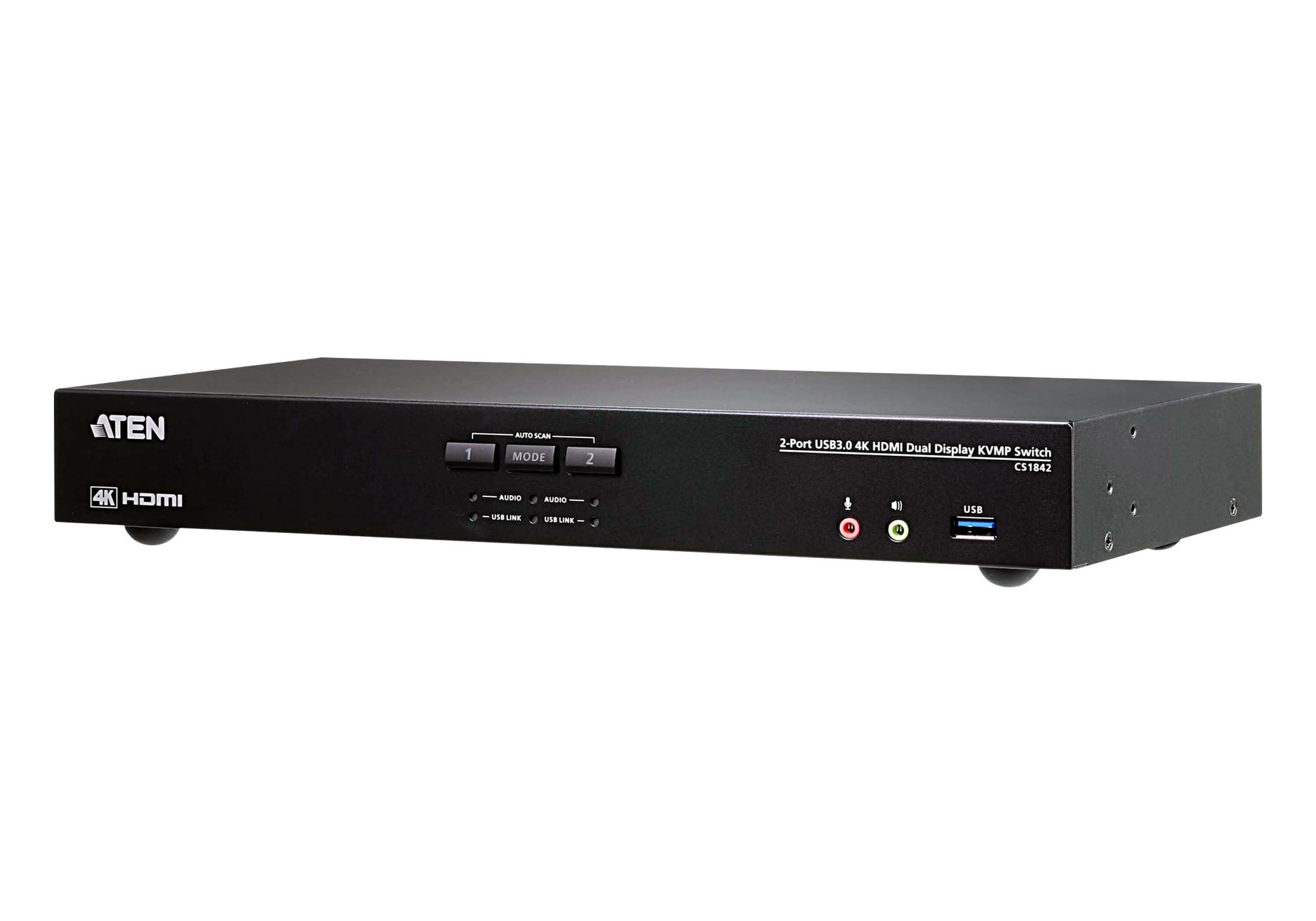
ATEN CS1842 KVM switch Rack mounting Black
The ATEN CS1842 Dual Display KVMP™ Switch presents a valuable solution for desktop workstation with instant and effortless access to two HDMI interface computers from a single USB keyboard, mouse and two HDMI monitors; to meet users’ needs, the CS1842 is compliant with HDMI 2.0 standard and supports superior video quality up to 4K DCI (4096 x 2160 @ 60Hz), offering the most stunning and vivid visuals.In addition, with patented ATEN technology – Video DynaSync™, the CS1842 provides optimized display resolution and accelerates switching between systems. Considering immediate data sharing, a built-in USB 3.1 Gen 1 hub delivers data transfer rates up to 5 Gbps, allowing you to speed up operations and share USB peripherals efficiently.For requirements of more displays to monitor, users can daisy-chain two CS1842 for up to four displays to multitask easily and process tremendous information. Besides, a remote port selector is available for quick and streamlined port selection apart from pushbuttons, hotkeys and mouse port switching.As a feature-rich KVM switch, the CS1842 is especially suitable for users who need to perform multiple tasks smoothly at CGI work, graphic design, video post production, and CAD engineering.
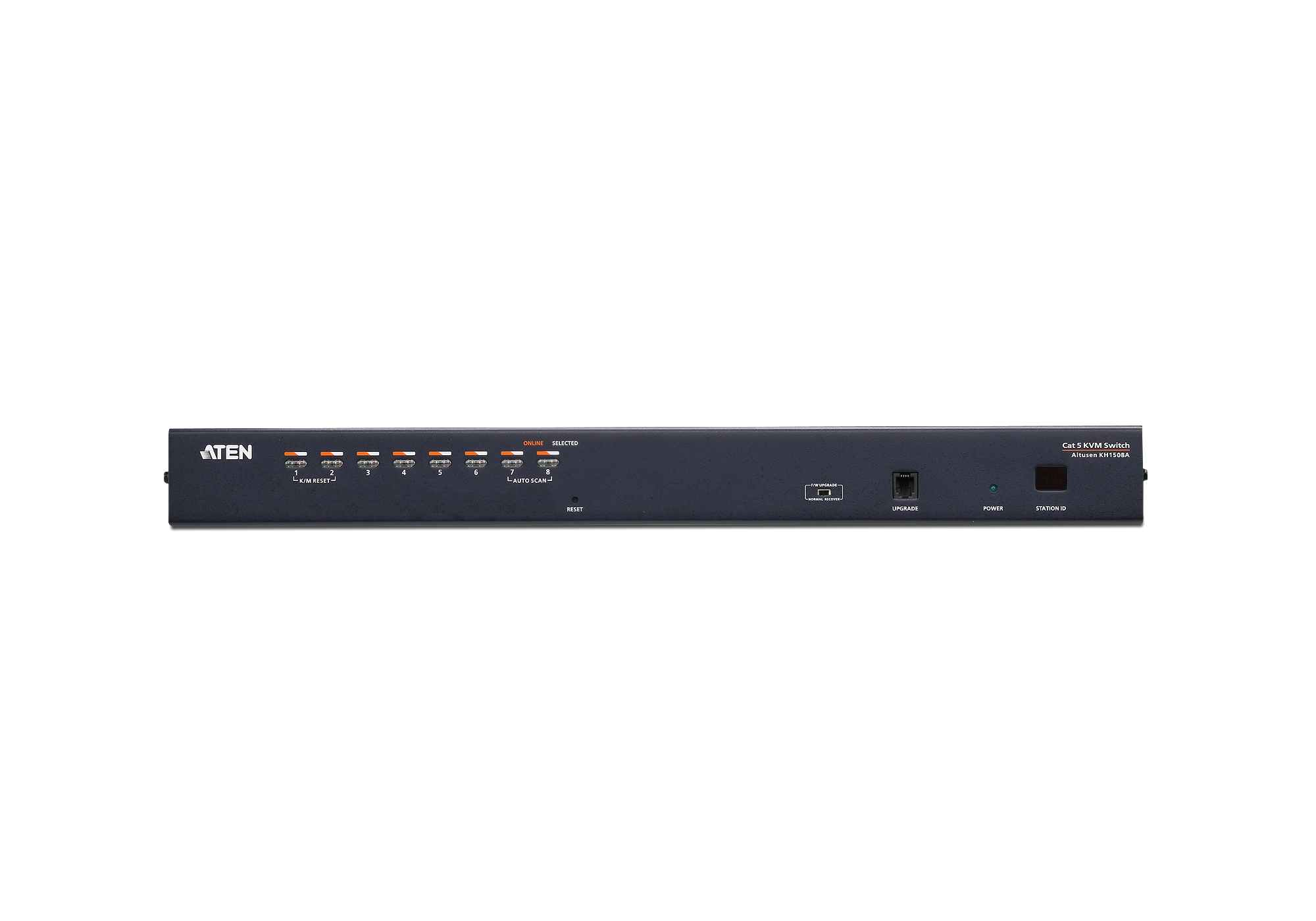
ATEN KH1508A KVM switch Rack mounting Black
The KH1508A KVM switches are control units that allow IT administrators to access and control multiple computers from a single PS/2 or USB KVM console (keyboard, monitor, and mouse). Operators can take control of up to 8 computers. By daisy chaining up to 31 additional switches, as many as 256 computers can be controlled from the original KVM console.These switches have been designed with unique and powerful features that enable administrators to manage their entire server room and data center devices easily and conveniently.For example, the advanced Adapter ID feature stores the Adapter Cable's configuration information – such as its ID, port name, OS, keyboard language, etc. This feature allows administrators to relocate servers to different ports without having to reconfigure the adapters . Another advantage found in these switches is Full HD video quality – extending the distance to the servers to up to 30 m at a resolution of 1920 x 1200 *.In addition, the switches are compatible with ATEN KVM adapter cable. This allows flexible interface combinations (PS/2, USB with VGA, DVI, HDMI and DisplayPort video interface, Sun and serial) to control all computer types.A KH1508A installation provides one of the best, and most economical, solutions ATEN offers to the SMB market. There is no better way to save time, space, and money than with a KH1508A KVM switch.

C2G C2G54541 KVM switch Black
This USB-C/HDMI 3-Input Combo to HDMI 1-Output KVM provides flexibility, allowing you to easily switch between three computing devices using a single keyboard, display, and mouse – making it ideal for accessing multiple devices while freeing up desk space, reducing the number of keyboards, displays, and mice needed. Whether in the office or working from home, this KVM switch allows you to maximize your productivity.This KVM switch supports a single USB-C enabled computer, tablet, or phone, as well as 2 HDMI enabled computers, streaming players, gaming systems, and set-top boxes. Besides sharing a keyboard, display, and mouse, you can also share webcams, printers, USB flash drives, and additional USB hubs.The KVM also supports USB-C power delivery up to 100W, resolutions up to 4K at 60Hz, HD digital audio, and CEC pass-through over HDMI.The KVM can be manually controlled by pressing the switch button or use the auto switch and memory switch functions. When a source device is turned on, the switch automatically detects and switches to that device’s input. The built-in power-off memory function automatically remembers the last connected device.Note: Pair this KVM switch with your computer’s existing USB-C power adapter or add a power solution using our 60W USB-C Power Adapter (C2G54441) and 3.3ft USB-C 3.2 Gen 2 Cable (28848).
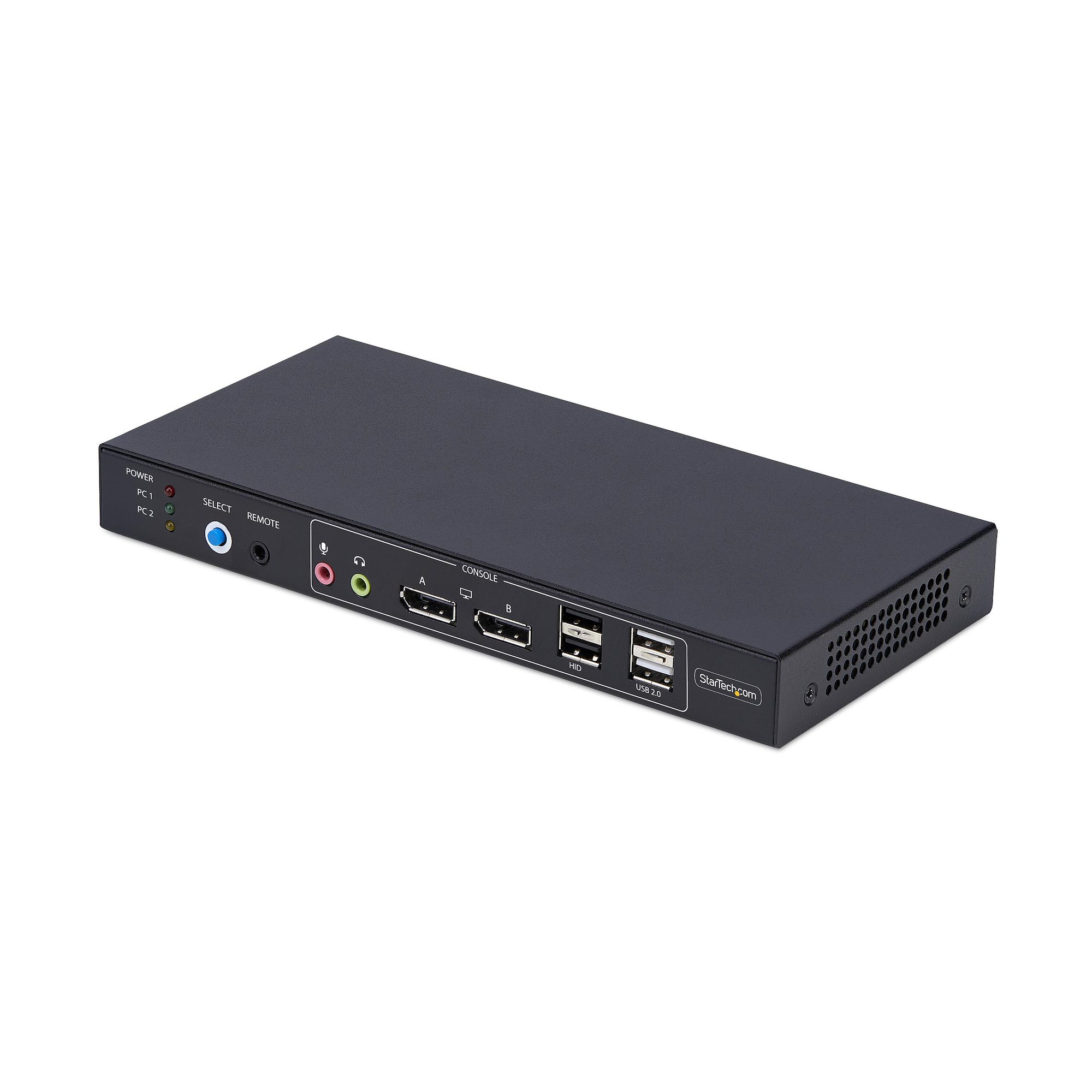
StarTech.com P2ADD121D-KVM-SWITCH KVM switch Black
Share a mouse, keyboard, USB hub, and dual 4K 60Hz DisplayPort monitors, between two DisplayPort-enabled computers, featuring dual-view video matrix capabilitiesThe Video Matrix KVM Switch allows you to view one display from each connected computer and switch the keyboard, mouse, and audio device between the selected displays using hotkeys. You can also switch all connected peripherals and both monitors like a standard KVM.Universal CompatibilityThe TAA-Compliant KVM Switch provides BIOS/UEFI control and works with any operating system, including Windows, macOS, and Linux. No software is required, and it is compatible with all hardware platforms such as Intel, AMD, and Apple Silicon.Customizable SwitchingSwitching KVM ports is easy with the front-facing push button, hotkeys, or the included remote selector cable. An audible buzzer provides confirmation, and LEDs offer quick visual port selection status.Reliable PerformanceThe durable design features a steel housing that helps prevent Electro-Magnetic Interference (EMI), enhancing the stability and reliability of the KVM. Its sturdy construction makes it ideal for installation in a variety of environments, and it offers 8kV Air/6kV Contact ESD protection.USB AudioEliminate the need to connect 3.5mm cables from the computers to the KVM by using this KVM switch's built-in USB audio device, which provides 3.5mm audio jacks for both microphone and speakers. This setup simplifies your workspace by integrating audio management directly into the KVM switch.Enhance Productivity and Device Management with the StarTech.com Connectivity Tools ApplicationDeveloped to improve performance and security, StarTech.com Connectivity Tools is the only software suite on the market that works with a wide range of IT connectivity accessories. The software suite includes:• Advanced Windows Layout Utility: Setup and save custom windows layouts.• USB Event Monitoring Utility: Track and log connected USB devices.For more information and to download the StarTech.com Connectivity Tools application, please visit: www.startech.com/connectivity-toolsThe StarTech.com Advantage
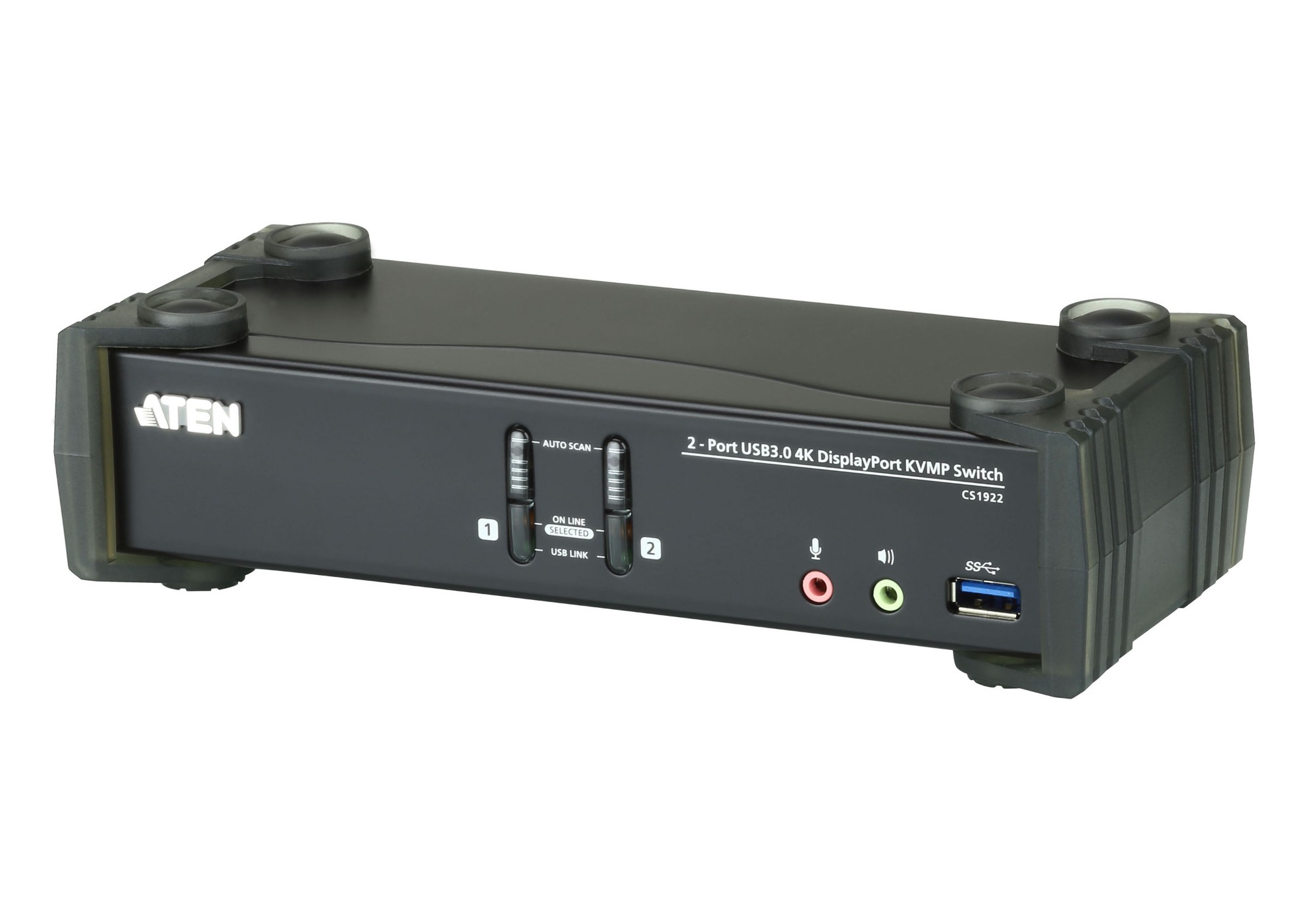
ATEN CS1922 KVM switch Black
The ATEN CS1922 2-Port USB 3.0 4K DisplayPort KVMP™ Switch provides the latest innovations in desktop KVM switching technology for the increasing demand of higher video quality and transfer speeds on modern computers. The ATEN CS1922 offers an unprecedented performance of delivering 4K resolution, the next generation USB 3.1 Gen 1 hub with SuperSpeed 5 Gbps data transfer rates and enhanced user-friendly operations.As a KVM switch, the CS1922 allows users to access two DisplayPort computers from a single USB keyboard, USB mouse and monitor console. Doing so with ease, the CS1922 provides three convenient switching methods – using front panel pushbuttons, mouse, or hotkeys for flexible access to any computer connected to the installation. The unique independent switching feature allows the KVM control to focus on one computer while the USB peripheral focus is on another computer. This eliminates the need to purchase a separate USB hub or stand-alone peripheral sharer – such as a print server, modem splitter, etc. With its rich feature set, the CS1922 is designed to surpass all requirements in graphic design, animation, and video-editing applications. Such as CAD/CAM (computer aided design/manufacturing). The CS1922 allows you to share the audio from each of the connected computers. HD audio transmitted by DisplayPort would offer you a different experience.
RARITAN Legrand-Raritan MCD CIM for HDMI (with audio) and USB keyboard/mouse
RARITAN Legrand-Raritan MCD CIM for HDMI (with audio) and USB keyboard/mouse
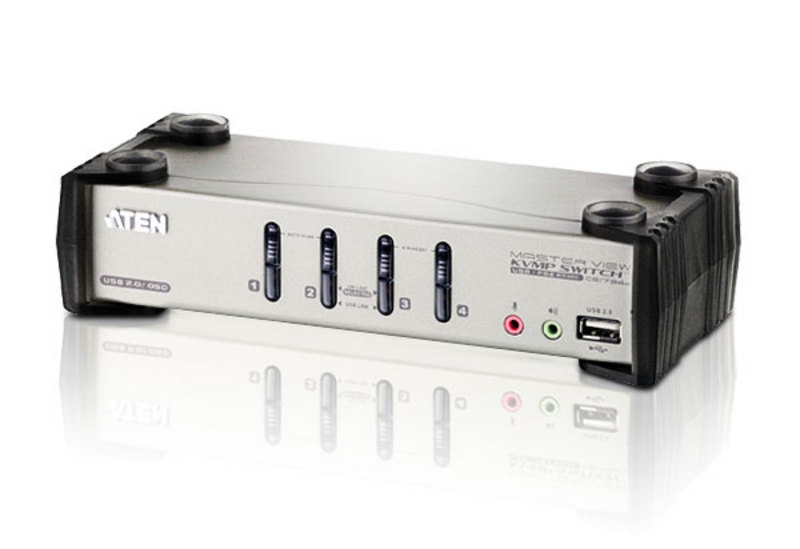
ATEN CS1734B KVM switch Rack mounting Black, Gray
ATEN CS1734B. Keyboard port type: USB, Mouse port type: USB, Video port type: VGA. HD type: 2K Ultra HD, Maximum resolution: 2048 x 1536 pixels, Maximum digital resolution: 2048 x 1536 pixels. Product color: Black, Gray, Housing material: Metal, LED indicators: Activity, USB. Power source: DC, Output voltage: 5.3 V, Power consumption (typical): 3.4 W. Width: 8.27" (210 mm), Depth: 3.46" (88 mm), Height: 2.19" (55.5 mm)
Item(s) added to cart
Netgear GS105E-200NAS ProSafe Plus Switch, 5-Port Gigabit Ethernet - 5 Ports - 2 Layer Supported - Wall Mountable - Lifetime Limited Warranty-None Listed Compliance
MFR: Netgear, Inc
Qty: 1
Part #: GS105NA